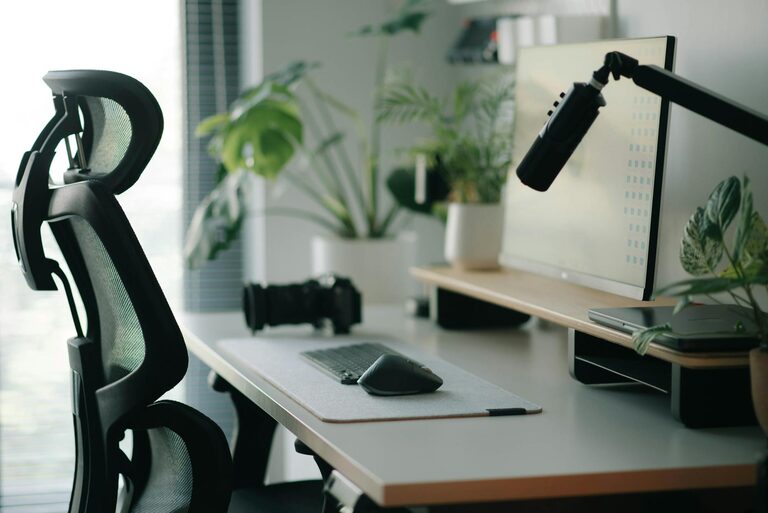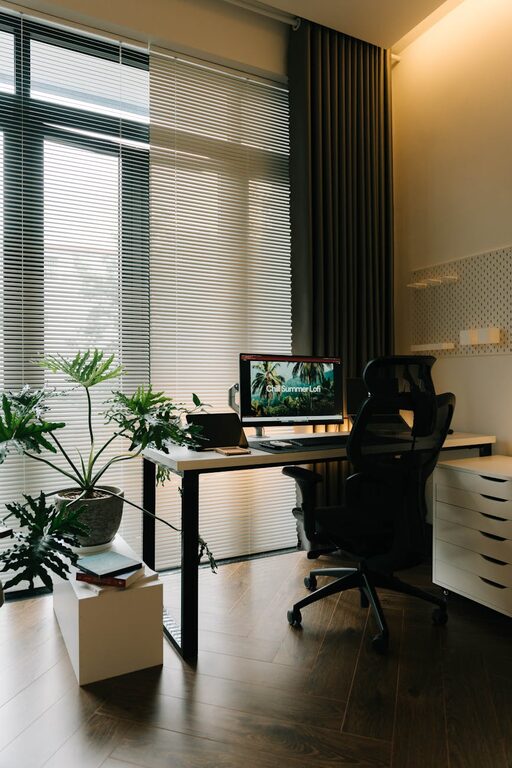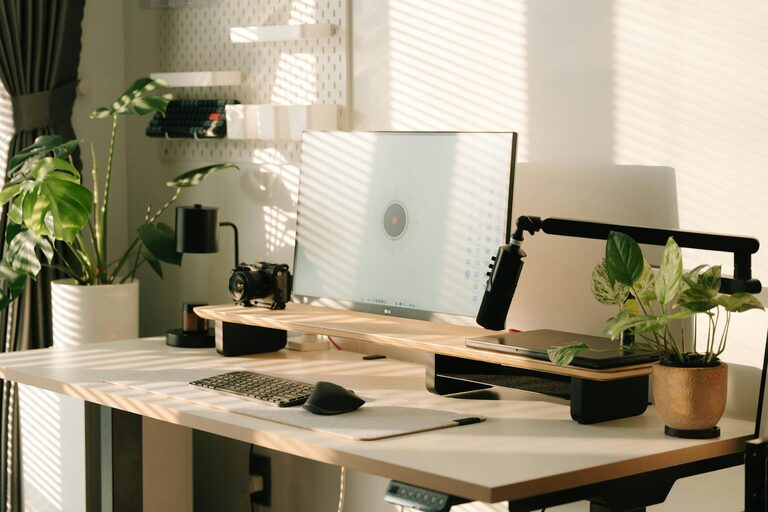
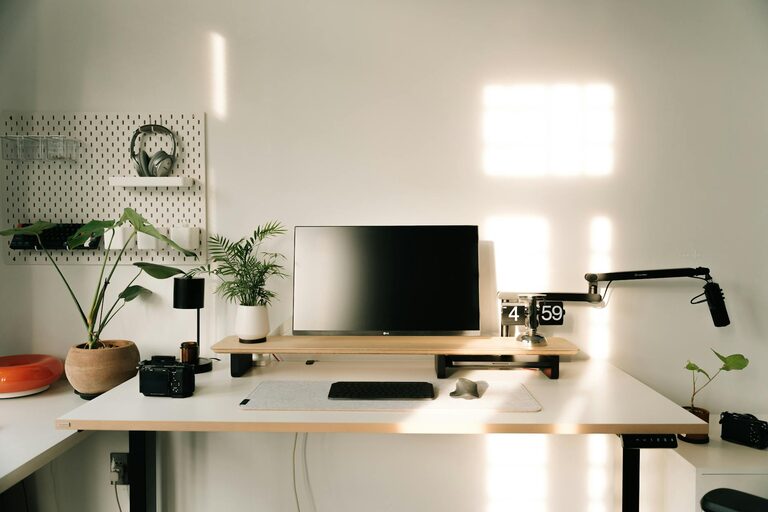
Creating a well-organized home workspace is essential for staying productive and focused, especially when working remotely or tackling projects at home. A cluttered or chaotic workspace can increase stress and decrease efficiency, while a clean and thoughtfully arranged area can help you feel motivated and concentrated. Here are simple and practical tips to organize your home workspace for better productivity.
Choose the Right Location
Selecting the right spot for your workspace lays the foundation for effective organization.
– Quiet and Private: Find a place with minimal distractions where you can focus on your tasks.
– Good Lighting: Ensure the space has plenty of natural light or sufficient artificial light to reduce eye strain.
– Comfortable Temperature: Choose a spot with comfortable temperature and ventilation for long hours of work.
Even if you don’t have a dedicated room, a corner of a room or a spot near a window can serve as an effective workspace.
Declutter and Keep Essentials Only
One of the quickest ways to improve your workspace is by removing unnecessary items.
– Clear Surfaces: Keep your desk surface clean. Only items that you use every day should stay on your desk.
– Organize Paperwork: Sort through papers regularly. Use trays, folders, or files to store documents systematically.
– Limit Decorations: While a few personal touches can make your space inviting, avoid overcrowding with too many decorations.
Regularly decluttering prevents your workspace from becoming overwhelming.
Invest in Functional Storage Solutions
Having a place for everything helps maintain order and makes it easy to find what you need.
– Desk Organizers: Use drawer organizers, pen holders, or small containers to keep supplies tidy.
– Shelves and Cabinets: If space allows, install shelves or use cabinets for books, binders, and larger items.
– Labeling: Label boxes or files to speed up your search and keep things in their places.
Choose storage that fits your workspace size and your workflow habits.
Arrange Your Equipment Thoughtfully
How you arrange your computer, keyboard, and other tools affects both comfort and efficiency.
– Ergonomic Setup: Position your monitor at eye level and keep your keyboard and mouse within easy reach.
– Cable Management: Use clips or cable ties to keep cords from tangling or cluttering your desk.
– Accessibility: Place frequently used items close by, and less-used items farther away to avoid desk overcrowding.
A comfortable and functional setup helps reduce fatigue and keeps you focused longer.
Create Zones for Different Activities
If space allows, divide your workspace into different areas for specific tasks.
– Work Zone: Primary desk area for computer work and writing.
– Reference Zone: Books, manuals, or materials you frequently consult.
– Creative Zone: Space for brainstorming, sketching, or other hands-on work.
Designating zones helps switch between tasks smoothly and keeps items organized by function.
Maintain Cleanliness Daily
Organization is an ongoing process rather than a one-time effort.
– End-of-Day Routine: Spend a few minutes each day tidying your desk and putting things away.
– Weekly Deep Clean: Wipe surfaces, dust shelves, and reorganize any misplaced items weekly.
– Manage Trash and Recycling: Keep a small trash bin nearby and empty it regularly to avoid buildup.
Consistent upkeep keeps your workspace inviting and ready for productivity every day.
Personalize for Motivation
A workspace that feels personal and enjoyable encourages you to spend time there.
– Inspiring Art: Add a motivational quote or artwork that makes you smile.
– Plants: A small plant can brighten your space and improve air quality.
– Comfort Items: Include a comfortable chair cushion or a favorite mug to make the space cozy.
A pleasant environment helps maintain a positive mindset during work hours.
Use Digital Tools to Reduce Paper Clutter
Going digital can significantly reduce physical clutter in your workspace.
– Scan Documents: Digitize important papers and organize them in folders on your computer or cloud.
– Task Management Apps: Use apps to track your to-do lists instead of sticky notes.
– Email and Calendar Management: Keep communications and appointments organized digitally to avoid paper overflow.
Digital organization complements your physical workspace to boost overall efficiency.
—
By applying these simple tips, you can transform your home workspace into a productive haven that supports focus and creativity. Remember, organizing your workspace is a personal process—tailor these suggestions to what works best for you. Start small, stay consistent, and enjoy the benefits of a tidy and efficient work area.