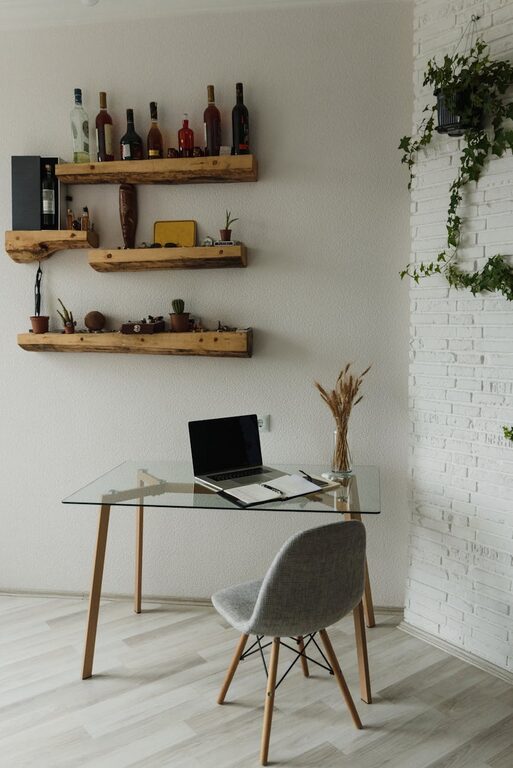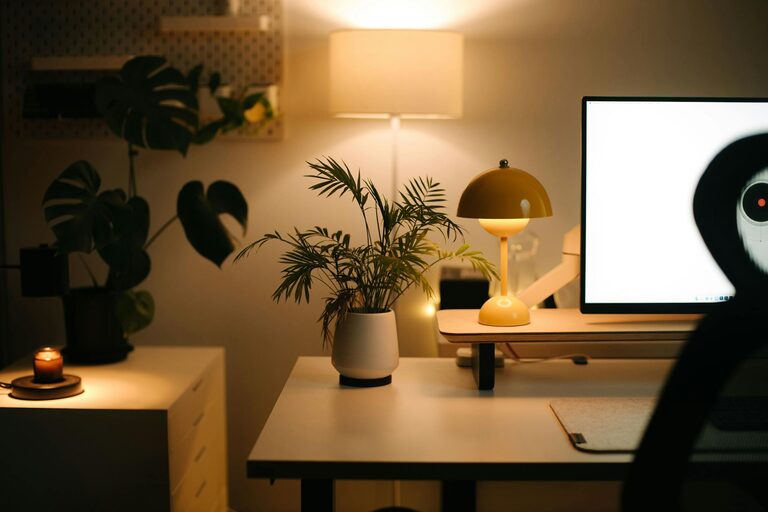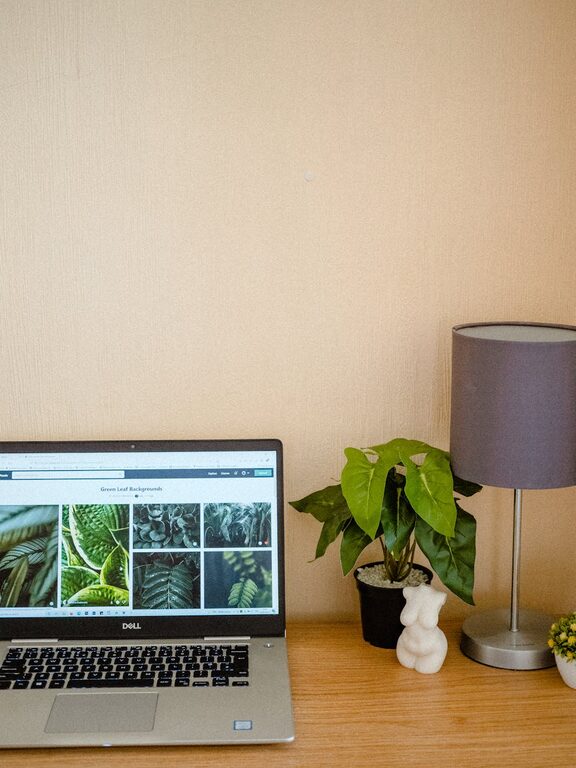
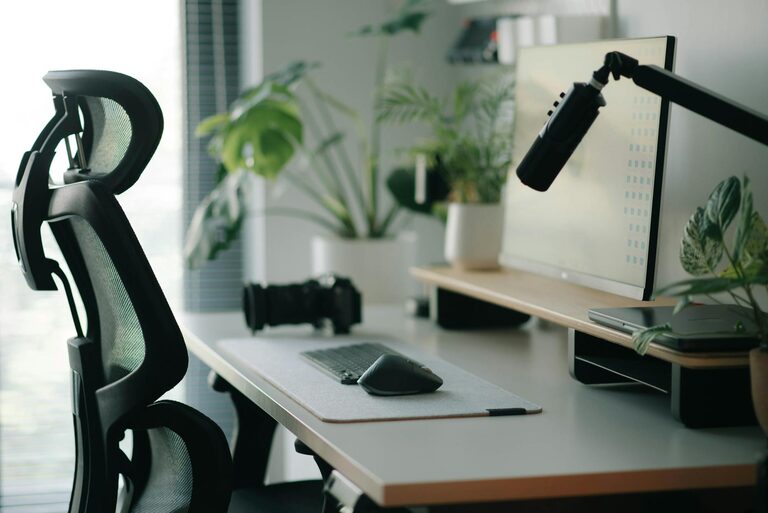
Working from home has become increasingly common, and having a dedicated workspace that is both productive and comfortable can make a big difference in your daily routine. Whether you’re a remote employee, freelancer, or someone who occasionally works from home, setting up an efficient home office is key. Here are some practical tips to help you create a space that supports focus, creativity, and well-being.
Choose the Right Location
Finding the ideal spot for your home office is the first step. Consider the following:
– Quiet Area: Pick a place away from high-traffic areas to minimize distractions.
– Natural Light: Position your desk near a window if possible to benefit from natural daylight, which can boost mood and energy.
– Space Availability: Ensure there is enough room for your desk, chair, and any necessary equipment.
If space is limited, consider creative solutions like a corner desk, a foldable workstation, or a closet conversion.
Invest in Ergonomic Furniture
Comfort is crucial for long work hours. Ergonomic furniture helps prevent strain and promotes good posture.
– Ergonomic Chair: Choose a chair with adjustable height, lumbar support, and comfortable padding.
– Desk Height: Your desk should allow your elbows to rest at a 90-degree angle when typing.
– Monitor Placement: Position your monitor at eye level, about an arm’s length away, to reduce neck and eye strain.
If your budget allows, standing desks or adjustable sit-stand desks can also enhance comfort and help reduce prolonged sitting.
Organize Your Workspace
A tidy area supports focus and efficiency.
– Declutter: Keep only essential items on your desk to reduce visual distractions.
– Storage Solutions: Use shelves, drawers, or filing cabinets to keep documents and supplies organized.
– Cable Management: Use clips or sleeves to keep cords neat and prevent tangling.
Regularly cleaning and maintaining your workspace can also contribute to a productive environment.
Optimize Lighting
Good lighting can reduce eye fatigue and boost concentration.
– Mixed Lighting: Use a combination of overhead lighting and task lighting, like a desk lamp.
– Adjustable Brightness: Use lamps with dimmer switches or adjustable brightness settings to customize the light to your needs.
– Avoid Glare: Position screens and lights to prevent glare on monitors and work surfaces.
If natural light is limited, consider daylight-balanced bulbs to mimic natural daylight.
Personalize Your Space
Adding personal touches can make your home office feel welcoming and motivating.
– Plants: Indoor plants improve air quality and bring a calming green element to your workspace.
– Artwork: Hang inspiring pictures or artwork that make you feel positive.
– Accessories: Choose office supplies and desk organizers in colors and styles you enjoy.
However, keep personalization balanced to prevent clutter.
Establish Boundaries
To maintain productivity, it’s important to separate work from home life.
– Dedicated Work Hours: Set specific times for work and breaks.
– Physical Boundaries: If possible, use a door or screen to create a boundary between your office and living areas.
– Communicate: Let family members or roommates know your work schedule to minimize interruptions.
Having a clear separation helps in focusing when working and relaxing when off-duty.
Incorporate Technology Wisely
Having the right technology enhances efficiency.
– Reliable Internet: Ensure your internet connection is stable and fast.
– Productive Tools: Use apps and programs that improve time management, communication, and project tracking.
– Backup Equipment: Have spare chargers, batteries, or a power backup to prevent downtime.
Keep your devices organized and maintain software updates for optimal performance.
Maintain Good Air Quality and Temperature
Comfort also depends on a good environment.
– Ventilation: Make sure your office has fresh air circulation.
– Temperature Control: Use fans, heaters, or air conditioning to maintain a comfortable temperature.
– Air Purifiers: If needed, consider air purifiers for cleaner air.
A fresh and comfortable environment supports alertness throughout the day.
Take Regular Breaks and Move
Even in the best workspace, sitting for long periods can be harmful.
– Frequent Breaks: Follow the 20-20-20 rule—every 20 minutes, look at something 20 feet away for 20 seconds.
– Stretch and Move: Stand up regularly, stretch or walk to reduce muscle stiffness and improve circulation.
– Use Break Time Wisely: Step away from your desk during breaks to recharge mentally.
Creating a rhythm of work and rest can improve productivity and comfort.
—
Creating a productive and comfortable home office space takes some planning, but the benefits are worth it. By choosing the right location, investing in ergonomic furniture, organizing your workspace, and paying attention to lighting and environment, you can build a space that supports your best work. Remember, personalization and clear boundaries will help make your home office a place where you enjoy spending your time.