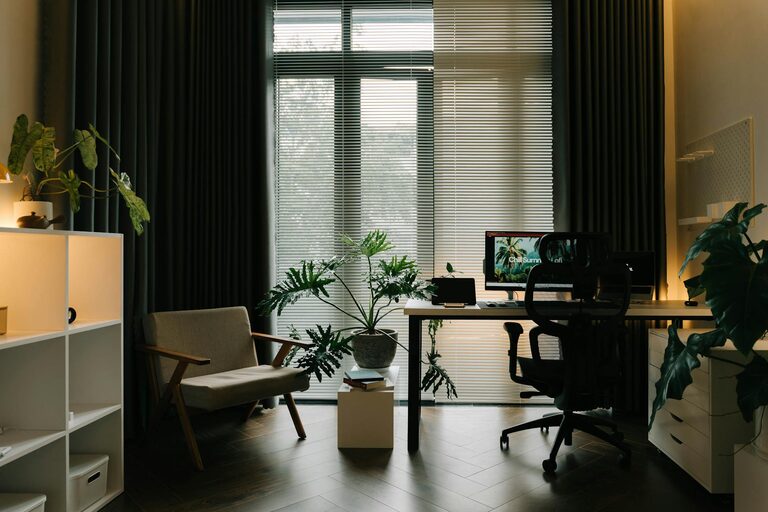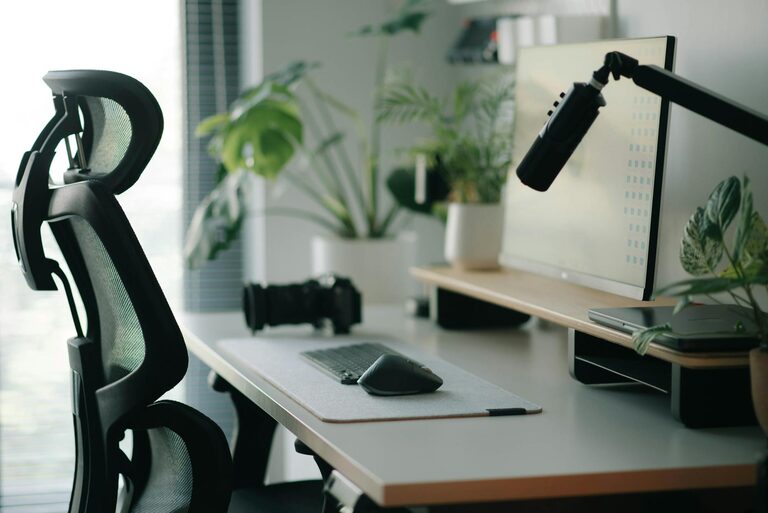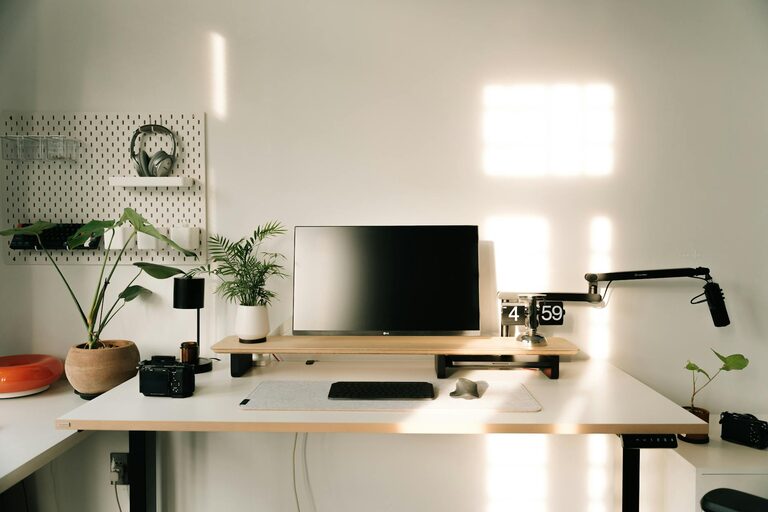
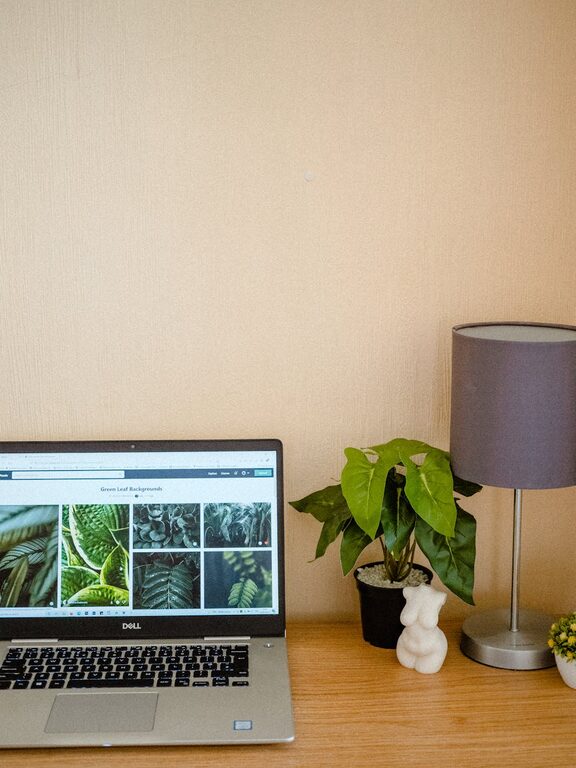
Creating a home workspace that is both cozy and functional can significantly improve your productivity and overall well-being. Whether you work remotely full-time or occasionally need a dedicated space for tasks, having an area designed to meet your needs is essential. In this post, we’ll explore easy-to-implement tips to help you craft a workspace that feels inviting and supports your work effectively.
1. Choose the Right Location
Consider Natural Light
Whenever possible, position your workspace near a window. Natural light helps reduce eye strain and lifts your mood, making it easier to focus throughout the day. If natural light is limited, invest in quality task lighting that mimics daylight.
Minimize Distractions
Select a quiet area away from high-traffic zones or noisy appliances. This will help create a peaceful environment where interruptions are minimized, allowing you to concentrate better on your tasks.
2. Invest in Comfortable and Ergonomic Furniture
Chair and Desk Selection
Comfort is key when selecting a chair and desk. Pick a chair with good lumbar support and adjustable features to fit your body. Your desk should be at a height where your arms rest comfortably while typing, reducing strain on your shoulders and wrists.
Adjustable Elements
Consider an adjustable standing desk or a desk converter. Alternating between sitting and standing can improve circulation and reduce fatigue during long work periods.
3. Organize With Purpose
Declutter Regularly
Keep your workspace tidy by removing items you don’t use daily. A clutter-free environment reduces stress and increases focus.
Utilize Storage Solutions
Use shelves, drawers, and organizers to keep supplies neatly arranged. Label containers if necessary to easily find what you need. Vertical storage can save desk space and keep important items within reach.
4. Add Personal Touches
Decorate Thoughtfully
Incorporate elements that make the space feel warm and inviting, such as framed artwork, plants, or a cozy rug. Avoid overly distracting items; aim for a balanced atmosphere that inspires without overwhelming.
Use Calming Colors
Soft, neutral tones or gentle blues and greens can promote relaxation and concentration. If you prefer vibrant colors, limit them to accents like cushions or stationery.
5. Optimize Technology Setup
Reliable Equipment
Ensure your computer, monitor, keyboard, and mouse are up to date and comfortable to use. A larger screen or dual monitors can enhance productivity for multitasking.
Cable Management
Use cable organizers or clips to keep wires from tangling. This not only improves aesthetics but also prevents accidents caused by tripping or pulling cables unintentionally.
6. Incorporate Good Lighting
Layered Lighting
Combine ambient lighting (overhead lights) with task lighting (desk lamps) to create a well-lit area that reduces eye strain. Adjustable lamps allow you to direct light exactly where you need it.
Avoid Glare
Position screens and lamps to avoid reflections that can cause discomfort. Using an anti-glare screen protector can also help if glare is an issue.
7. Create Zones for Different Activities
Separation for Focus
If space allows, designate different sections for various tasks such as computer work, reading, or brainstorming. Changing your physical position based on activity can help maintain mental freshness.
Break Area
Including a small area for relaxation within or near your workspace encourages short breaks, which can boost productivity and reduce burnout.
8. Maintain Good Air Quality and Temperature
Ventilation
Keep your workspace well-ventilated with fresh air sources or use an air purifier if necessary. Good air quality enhances concentration and comfort.
Control Temperature
Ensure your workspace stays at a comfortable temperature. Use fans, heaters, or humidifiers as needed to maintain an environment where you can focus without distraction.
9. Personal Wellness Reminders
Incorporate Movement
Keep a yoga mat or small stretch area nearby to remind yourself to take movement breaks, which help reduce tension and improve focus.
Hydration Station
Have a water bottle or cup within reach to stay hydrated throughout the day.
—
Designing a cozy and functional home workspace doesn’t have to be complicated or expensive. By applying these straightforward tips, you can create a personalized environment that supports your daily tasks and promotes well-being. Remember, the best workspace is one tailored to your unique needs and preferences, so feel free to experiment to find what works best for you.