Creating a home office that is both cozy and functional can greatly improve your work-from-home experience. Whether you’re freelancing, telecommuting, or managing household tasks, having a dedicated space designed for comfort and productivity makes a big difference. Here are some helpful tips to guide you through setting up your ideal home office.
1. Choose the Right Location
Consider natural light
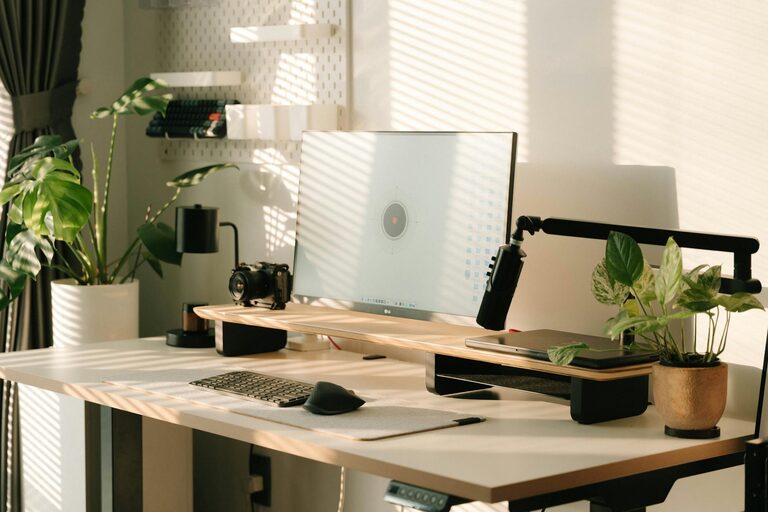
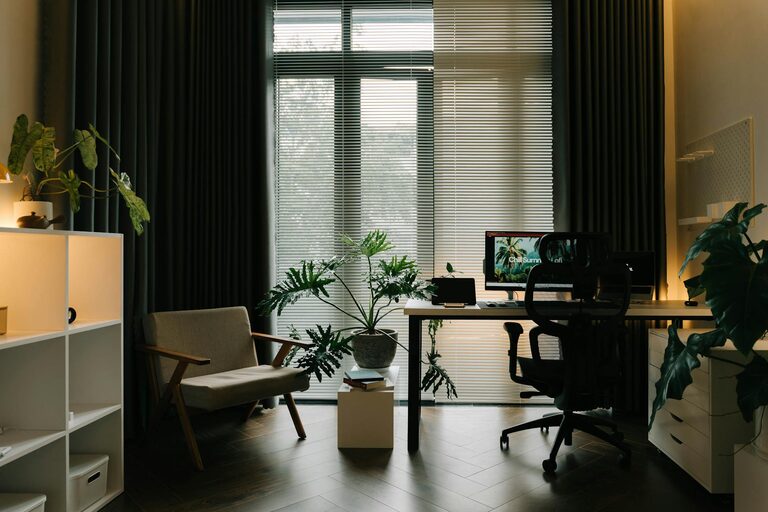
Pick a spot in your home that receives plenty of natural light. Sunlight reduces eye strain and enhances mood, making your workday more pleasant. If natural light is limited, invest in good quality lighting that mimics daylight.
Opt for a quiet corner
Select an area away from household noise and distractions. If that’s difficult, use noise-cancelling headphones or add soundproofing elements like rugs and curtains to reduce echoes.
2. Invest in Comfortable, Supportive Furniture
Ergonomic chair and desk
A good chair with proper lumbar support and an adjustable desk height help prevent back pain and improve posture. Standing desks or adjustable sit-stand workstations are excellent options for flexibility.
Desk space essentials
Choose a desk size that fits your needs, whether it’s a small minimalist table or a larger workstation. Make sure there’s enough room for your computer, planners, and other daily essentials without feeling cluttered.
3. Organize for Efficiency and Minimal Clutter
Storage solutions
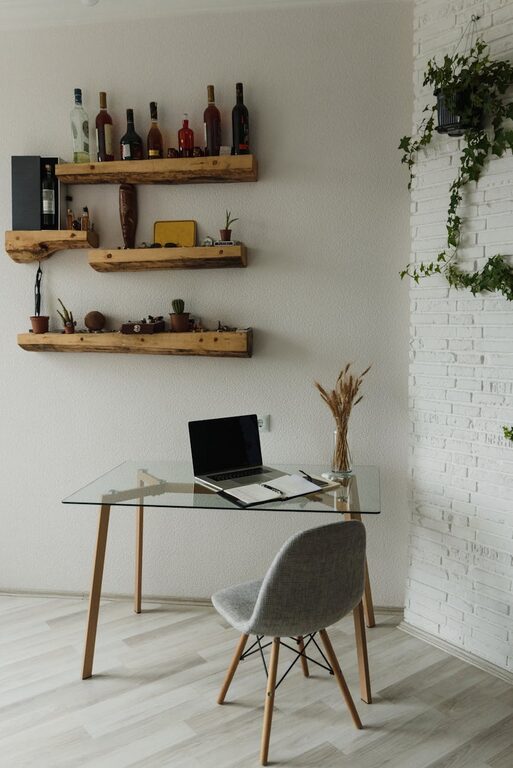
Use shelves, filing cabinets, or baskets to keep papers, supplies, and devices organized. Vertical storage helps keep your desk clear and makes it easier to find items quickly.
Declutter regularly
Set aside a few minutes at the end of each workday to tidy your space. A neat desk reduces stress and helps maintain focus.
4. Personalize Your Space
Add cozy touches
Incorporate soft elements like cushions, throws, or a small rug to add warmth. A comfortable environment encourages longer, more productive work sessions.
Decorate with inspiration
Choose artwork, plants, or photos that motivate you. Greenery not only brightens the room but also improves air quality and boosts mood.
5. Optimize Lighting
Layer your lighting
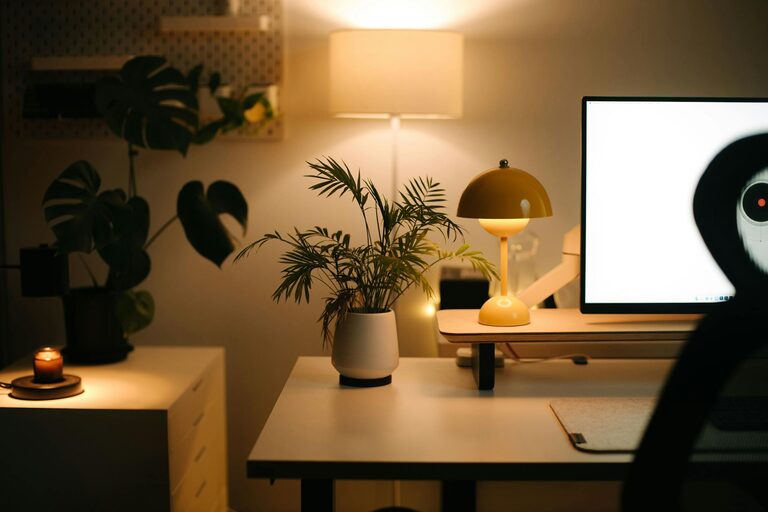
Combine ambient (general), task (focused), and accent (decorative) lighting. A desk lamp with adjustable brightness is essential for reading documents or working late.
Avoid glare
Position your computer screen to avoid reflections from windows or lights. Using an anti-glare screen protector can also help reduce eye strain.
6. Manage Technology and Cables
Use cable organizers
Keep cords neat with cable clips, sleeves, or boxes. Organized cables prevent accidents and make your setup look polished.
Ensure strong internet connection
A reliable internet connection is critical for remote work. If Wi-Fi is weak, consider a wired Ethernet connection or signal boosters.
7. Be Mindful of Temperature and Air Quality
Maintain comfortable temperature
Keep your workspace at a comfortable temperature with fans, air conditioning, or heaters as needed. Feeling too hot or cold can reduce concentration and comfort.
Improve air circulation
Open windows regularly to let fresh air in or use an air purifier. Good air quality helps keep you alert and promotes wellbeing.
8. Create Boundaries Between Work and Home Life
Set up clear work hours
Having a defined schedule helps separate work time from personal time, which is important for mental health.
Designate the office space
Avoid working in spaces used for relaxation or sleep. Defining your workspace signals to your brain when it’s time to focus.
—
By following these tips, you can design a home office that feels welcoming and helps you work effectively. Remember, the best workspace is one that suits your unique needs and style, so feel free to experiment with layouts and decor until you find what works best for you. A little effort goes a long way in turning a simple room or corner into an inspiring productivity booster!